Features
What Agam Space can do.
Screenshots
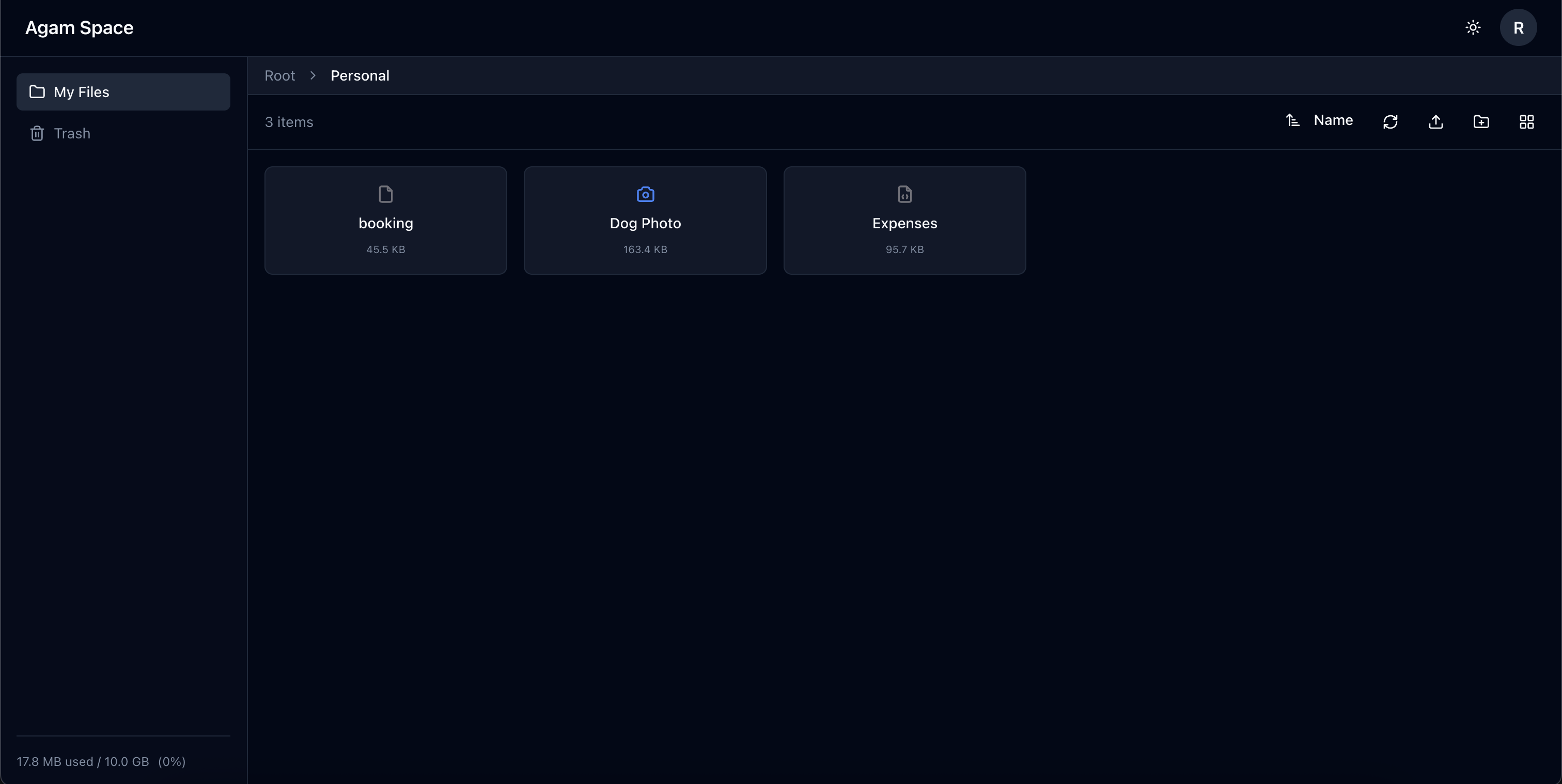 File Explorer | 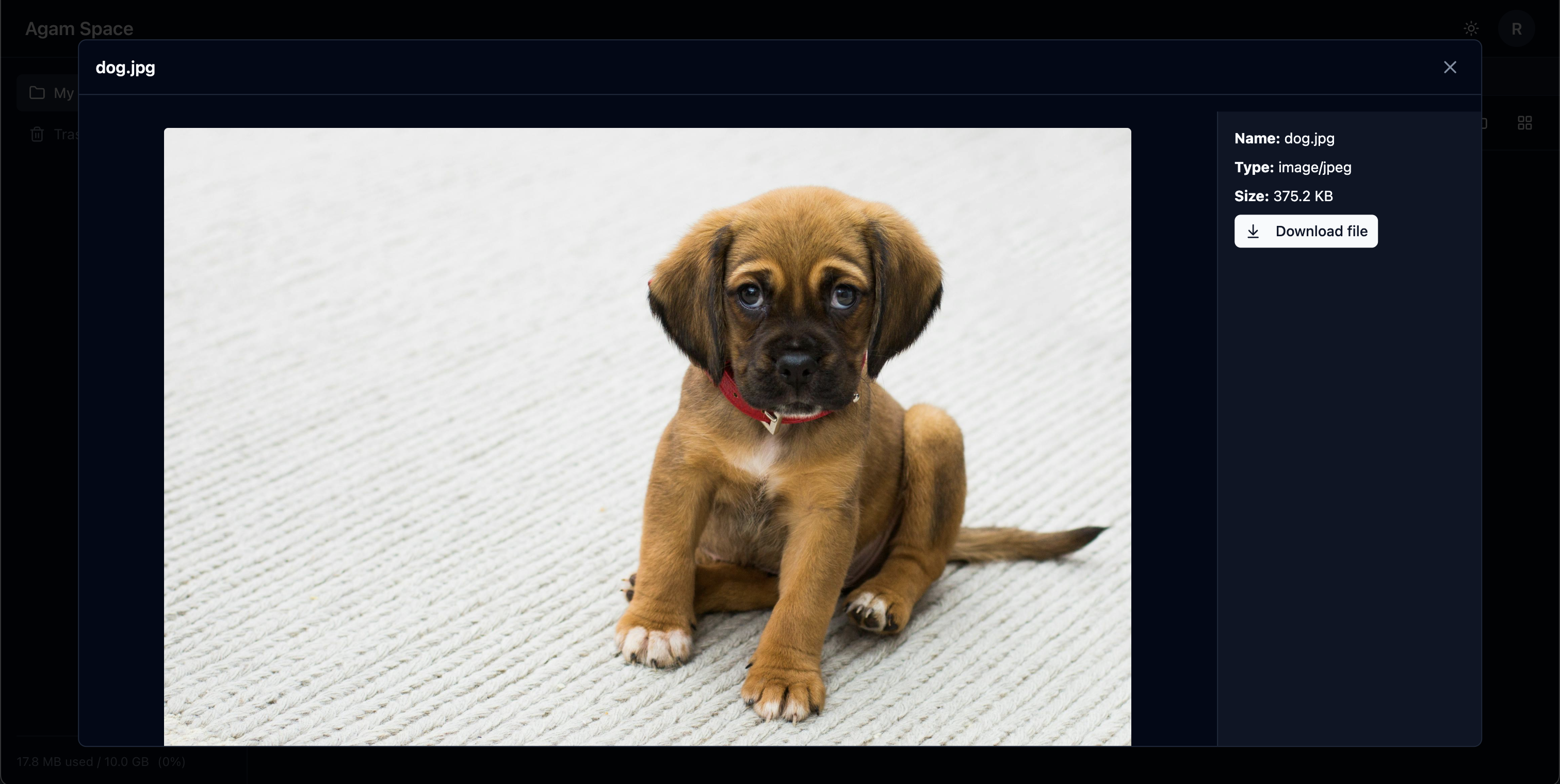 Image Preview |
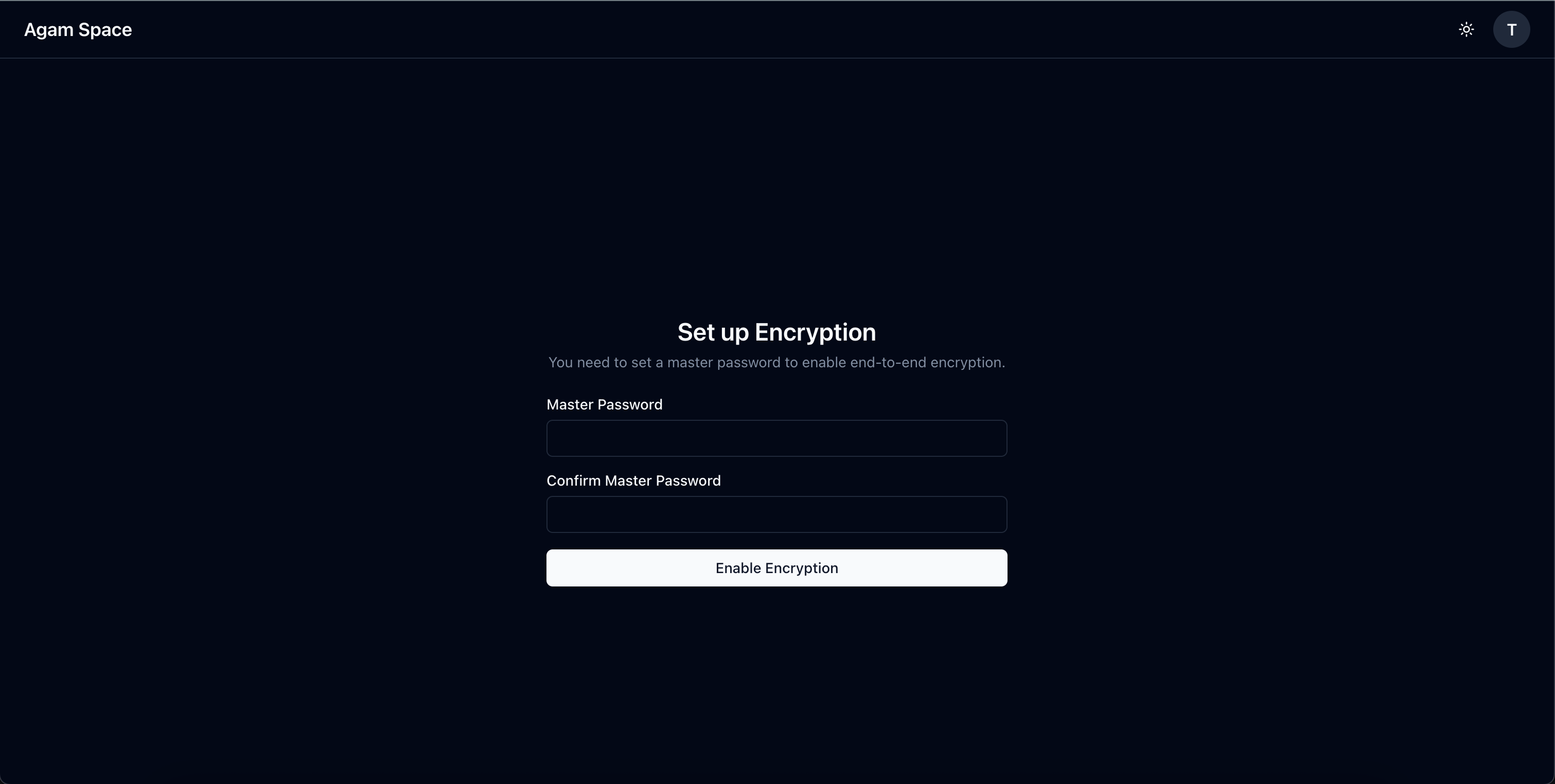 Master Password Setup | 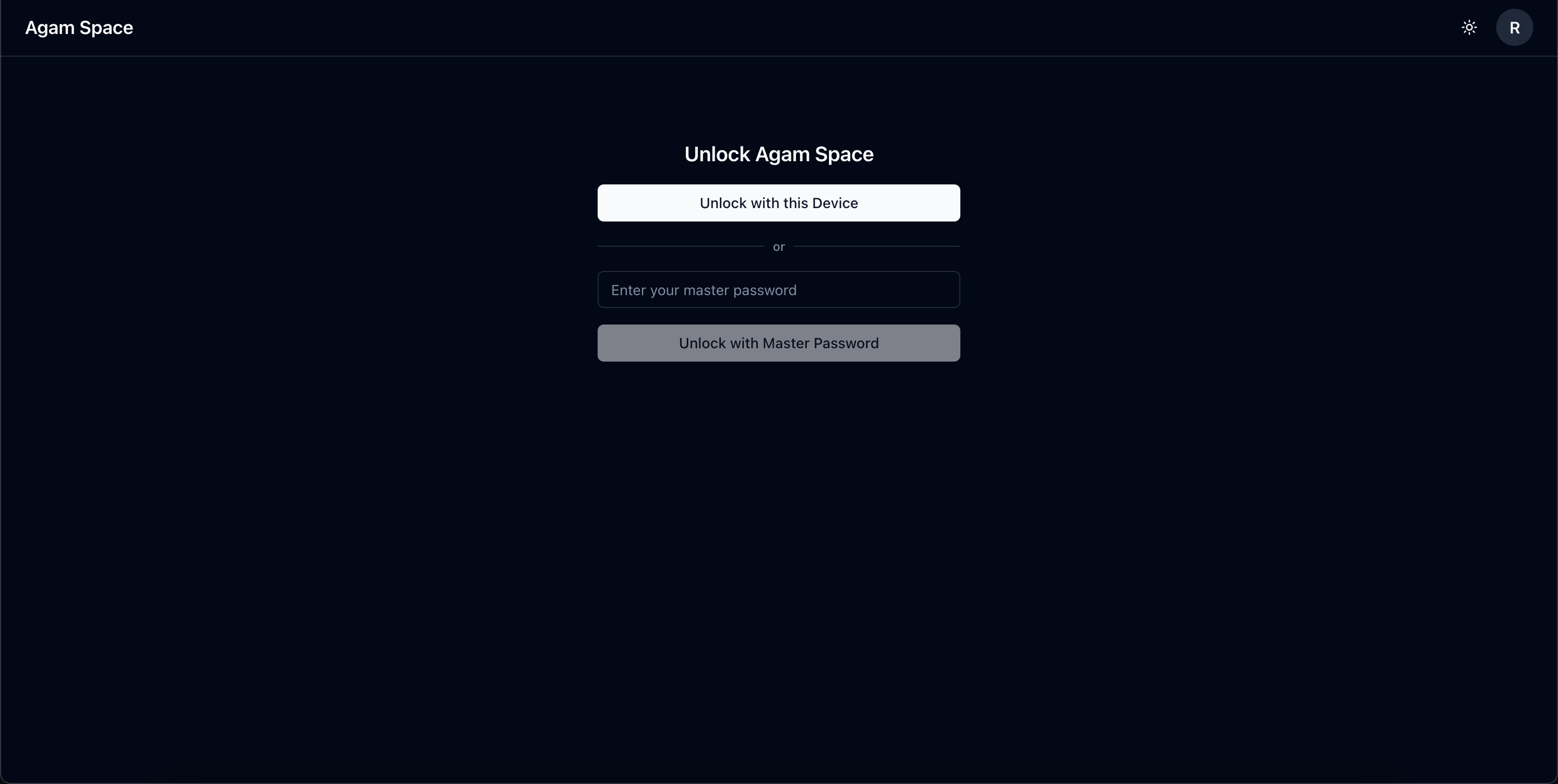 Biometric Device Unlock |
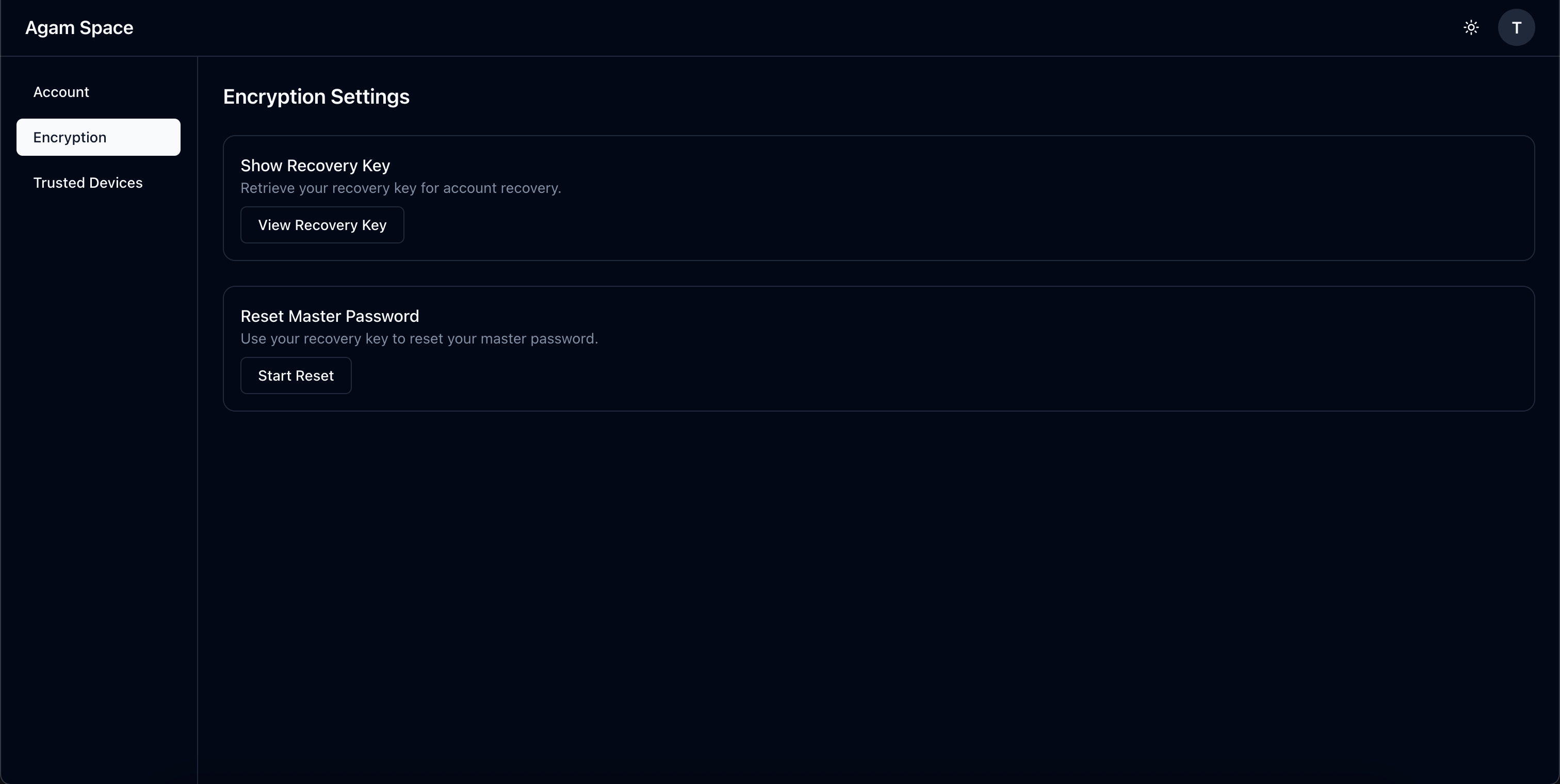 Settings - Encryption |
Encryption
Zero-knowledge, end-to-end encrypted
All encryption happens in your browser before any data leaves your device. The
server stores only encrypted blobs and has no way to decrypt them. This is true
zero-knowledge: the server operator (even if it's you running your own instance)
cannot access your files, folder names, or any metadata.
What gets encrypted:
- File contents
- File names
- Folder names
- MIME types
- All metadata
What the server can see:
- Your email address
- File sizes (for quota enforcement)
- Upload timestamps
- Encrypted data blobs (unreadable without your keys)
Master password is the root of trust
Your master password generates your Cryptographic Master Key (CMK) using
Argon2id (memory-hard, GPU-resistant key derivation). This CMK is the foundation
of your encryption - it derives all other keys.
Critical: Your master password never leaves your device. The server only stores your CMK encrypted with your password - it cannot decrypt it without your master password.
Without your master password (or recovery key), your data is mathematically unrecoverable. Even the server admin cannot help you.
Key hierarchy
Each folder gets its own encryption key (derived from CMK or parent folder key).
Each file gets its own unique encryption key (derived from folder key). This
layered approach enables future features like secure sharing while keeping
everything encrypted.
Master Password (only in your memory, never sent to server)
    ↓ (Argon2id key derivation in browser)
Cryptographic Master Key (CMK)
    ↓
Root Folder Key
    ↓
  Subfolder Key
      ↓
    File Encryption Key (FEK)
        ↓
      Encrypted Chunks (stored on server)
The server stores your CMK encrypted with your password-derived key. Without the master password to decrypt it, the entire chain breaks - no keys can be derived, no data can be decrypted.
Industry-standard cryptography:
- File encryption: XChaCha20-Poly1305 (256-bit keys, authenticated encryption)
- Key derivation: Argon2id (memory-hard, GPU-resistant)
- Device keys: X25519 (elliptic curve Diffie-Hellman)
- No custom crypto - battle-tested algorithms only
Recovery key
Generated during setup as a backup to decrypt your CMK. Accessible anytime in
Settings. Save it somewhere safe - it's your last resort if you forget your
master password.
Authentication
Two-layer security: Login + Encryption
Agam Space separates authentication from encryption for better security:
- Login password - Authenticates your identity to the server (like any web service)
- Master password - Unlocks your encryption keys (never sent to server)
This separation is recommended: if someone compromises the server database, they get login password hashes but cannot decrypt your CMK without your master password.
Login flow:
- Enter email and login password
- Server verifies credentials (standard Argon2id hash stored on server)
- Server sends your encrypted CMK material (it cannot decrypt this)
- Enter master password (client-side only)
- Browser derives CMK from master password using Argon2id
- CMK unlocked in memory for this session
Master password unlock
After login, you must unlock with your master password to decrypt your CMK. This
happens once per session in your browser. The master password never leaves your
device - all key derivation happens client-side.
Biometric unlock (trusted devices)
Register devices using WebAuthn (Touch ID, Face ID, Windows Hello). On
registered devices, unlock with biometrics instead of typing master password.
Your CMK is encrypted with device-specific keys stored in hardware secure
enclave - even more secure than typing a password. enclave.
Session management
Sessions persist across page reloads (encrypted CMK in sessionStorage).
15-minute inactivity timeout. Sessions clear on tab close or logout.
Multi-user support
Multiple users with separate encrypted storage. Each user has their own CMK -
users cannot access each other's files.
File Management
Upload
- Chunk-based upload (5MB chunks by default, configurable)
- Each chunk encrypted separately with unique nonce
- Resumable uploads - restart from last successful chunk
- Parallel chunk encryption in browser
- Real-time progress tracking
- Drag-and-drop or file picker
- Folder upload (maintains structure)
Server-side storage structure
Files aren't stored as single blobs. Each file is split into encrypted chunks:
/data/files/
  u-<userId>/
    f/<fileId>/
      chunk-0
      chunk-1
      chunk-2
      ...
Each chunk is an encrypted binary file. Without the encryption keys, chunks are just random data. This structure enables efficient streaming and resumable uploads.
Download
- Chunks fetched and decrypted in browser
- Reassembled into original file
- Single file or bulk download
- Original filenames preserved
Organization
- Nested folders (unlimited depth)
- Move files/folders between locations
- Rename files and folders
- Multi-select operations
Preview
- PDF viewer
- Image viewer (JPEG, PNG, GIF, WebP)
- Text file viewer with syntax highlighting
- Edit text files inline
Trash
- 30-day retention before permanent deletion
- Restore deleted items
- Empty trash manually
- Auto-cleanup job
Storage
Quotas
- Per-user storage limits
- Real-time usage tracking
- Configurable (including unlimited)
- Upload blocked when quota exceeded
Local storage
- Files stored on server filesystem
- Configurable storage path
- S3 backend planned
Deployment
Docker-based
- Docker Compose setup
- Single container deployment
- PostgreSQL database
- Easy updates
Self-hosted
- Run on your own infrastructure
- Full data control
- No vendor lock-in
Platforms
Web (current)
- Responsive UI (desktop, tablet, mobile)
- Works in any modern browser
- No installation needed
Planned features
Current focus: Stability & Testing
Before adding new features, focus is on making the project stable and reliable:
- Comprehensive test suite (unit, integration, E2E)
- Bug fixes from early users
- Documentation improvements
Next focus:
- File sharing - Share files/folders with other users
- Public links - Share via link with optional expiry
- Local search - Search files and folders
- Encrypted tags - Organize and search files by tags
- S3 backend - Use object storage instead of local disk
No timeline commitments. Features built as time permits.